Scroll down for social media sight ratings. Artists are finding it harder to protect their artwork from AI scraping theft. They are forced to delete imagery and leave social media platforms they once trusted due to terms of service changes that compromise our work and industries. Artists are asking, “How do I protect my art?” and “Where is it safe to post?” This entry seeks to answer those questions. I will do my best to update as new resources become available.
HOW DO I PROTECT MY ART FILES?
Signing and Watermarking: While both of these are easy to remove digitally, it’s important to communicate ownership to the general public, without damaging the integrity of the image too much. Clients and art directors don’t want to see big logos etched into your art. Signing and also hiding an extra signature or logo within the work can help prove general copyright infringement.
Partial Image: Crop image and tell viewers to find the full piece on your website or BlueSky. Hold hand or drawing tools over part of image to obsure and make scraping difficult.
Copyright Registration. As soon as you create an image, it is legally copyrighted as yours, but you have much better protection and the ability to take legal action with financial recourse if your art is officially copyrighted. It’s good art business hygiene to file copyright quarterly. Registering images as a group is recommended. Here is the link to the US Copyright Office: https://www.copyright.gov/
Downside: A law was passed in Feb. 2025 allowing generative Ai to be copywritten as long as there is human change and creativity applied. This lessens the strength of artist copyright protections.
Ai Disturbance: Ibis Paint is a low-cost digital art program with an AI disturbance filter tool built into the save function. The program is here: https://ibispaint.com/?lang=en-US Instruction on how to use it here: https://www.instagram.com/kazwindness/reel/C7qESCOApGA/ This is fast and very easy to use. Glaze does something similar. See Image Poisoning below for more on this.
Downside: The glazing or disturbance filters provide some protection by making your art less reproducible, but these are not failsafe.
Image Poisoning. Nightshade along with Glaze help make your work unusable for Ai image generators. Here’s how and where to get the program downloads for free: https://nightshade.cs.uchicago.edu/whatis.html#
Downside: Nightshade is memory intensive and can take 15 minutes or more to “poison” an art file. The embedded textures can make your art appear odd. It is designed to make Ai misidentify what your art is, making the results less reliable or unrecognizable, but software has been created to “clean” files and new software that reads imagery at the surface level and recreates it with Ai.
Register your book with Authors Guild as “Human Authored.” Upside: This is a respected organization and a good trend towards human protections. https://authorsguild.org/news/human-authored-certification-expands-to-all-authors/
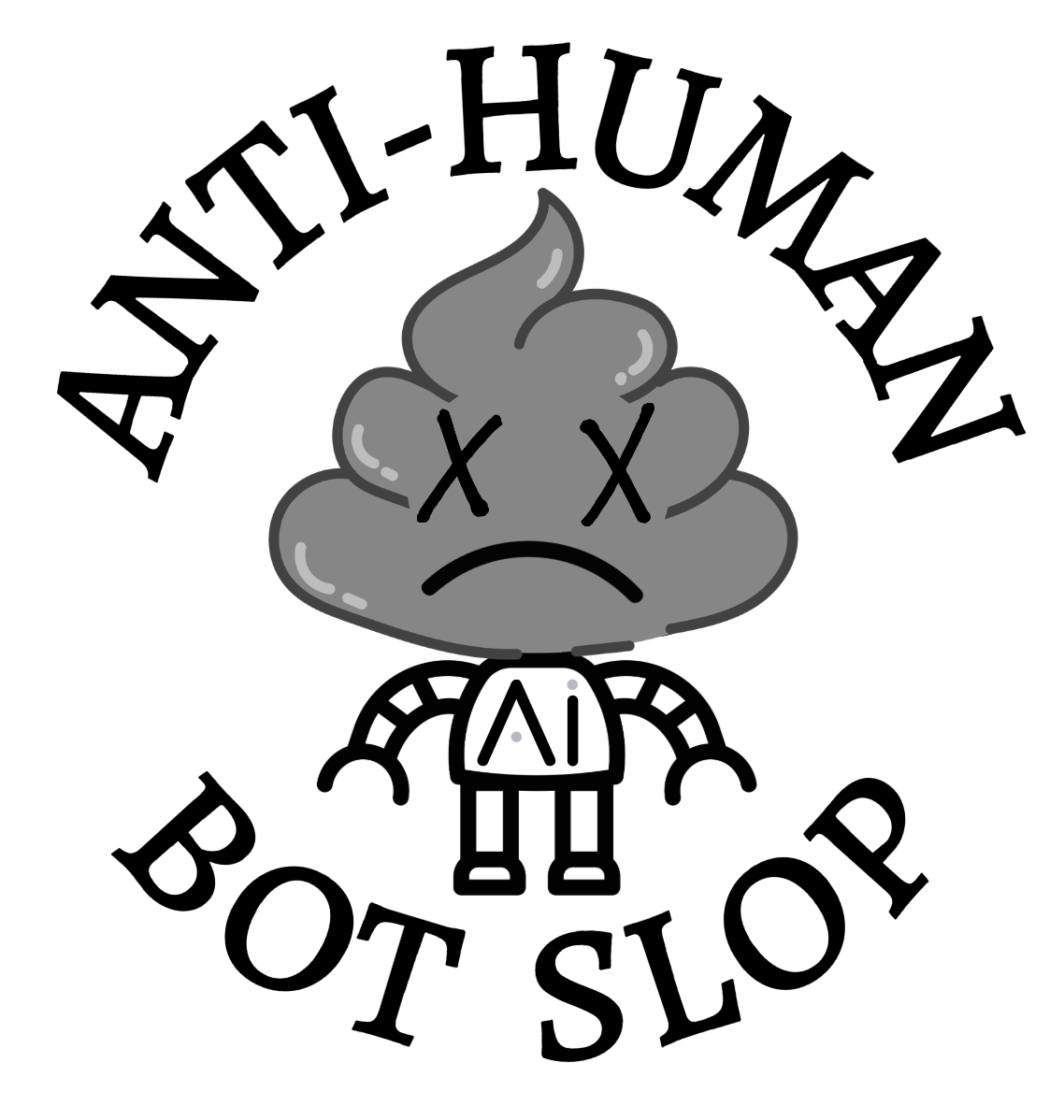
Downside: The cost is $10 per title for non-members and up to 10 titles per year for members and they allow AI-generated “outlining.” While I’m okay with traditional AI tech like spell check and grammar check, as a plotter, I can tell you outlining IS writing and allowing its use is utilizing plagiarized ideas, concepts, and is unoriginal and un-human. Also, why do we have to self-identify? It should be the AI-generated materials that should have to wear a sticker. Here. I made one. Use as you will:
Rating of Social Media Platforms for Artists and Email, Navigation, Spellcheck updated 1/09/2026
| Company/Application | Rating for Art Protections | Considerations |
| Meta: Facebook, Instagram, Threads @KazWindness | 00/10 | July 18, 2024: The Terms of Service (TOS) require opt-in for AI scraping third-party image licensing. Meta actively takes individual art pieces (and everything else) for AI training and profit. They use and promote AI image generation. Friends-only posts more protected. |
| X/Twitter @KazWindness handle only | -10/10 | Nov. 15, 2024: TOS allowing posts and artwork to be scraped, used, and licensed is live. The block feature is also disabled. Consider deleting app, letting 30-day recovery period expire, sign up again to save your handle only. Jan. 21, ’25 Owner used n*z* salute at political rally. Feb. 10, ’25: Added in-app “remix this” Gen. Ai (Grok) button to our images. Dec 2025: M*sk goes on a rant about how crediting artists ruins the “ethetics” (aesthetics? ethics? pathetics?) while actively infringing artists’ copyright and using for Tesla branding. |
| Adobe/BeHance | 01/10 | June 2024, Adobe rolled out an automatic Ai scraping opt-in to all their programs. Cloud storage was especially compromised. They are now trying to mitigate concerns by assuring artists they will not use their work without permission, but we don’t have much reason to trust them as the TOS has not changed and they have stolen artwork and embraced Ai image generation. |
| Deviant Art | 01/10 | Promotes Ai Generated imagery. Has a shifty history, allowing for AI scraping and making it difficult to opt out and remove imagery. Artists leaving in droves. Not vibrant. Bad vibes. |
| ArtStation | 06/10 | Does not allow Ai scraping. Upholds your copyright. Allows Ai imagery and reported to be overrun with it, but requires disclosure. Shows a commitment to real artists. |
| G-mail, Gemini, Google products | 02/10 | While Gmail is still the most commonly used and accepted “professional” email service, your content is being used to train Google’s AI, and you are being tracked on all Google products, and your info is being sold. Video on how to turn the email Ai scraping off: https://www.instagram.com/reel/DQ-N6dIEYMR/ NOTE: Turning this off means your e-mail sorting and spellcheck is held hostage. Spell-check options and alternative email services below. I recommend getting off all Google products if possible. |
| https://www.grammarcheck.net/editor/ | 07/10 | Non-Ai Grammar and Spell-Checker. It is free but requires copy-paste. |
| Proton https://proton.me/mail | 09/10 | Encrypted, VPN protected, quality affordable email. |
| Non-Google Recommended Search Engines and Browsers | Comment with your suggestions. Brave suggestion removed due to claims of selling your info and allegedly owned by someone who is anti-lgbtqia+ | DuckDuckGo, Bing, Gibiru, Ecosia |
| Hack to turn off Google and other search engine Ai Overview | History: 12/30/25For a while, typing “-Ai” with the search or using an expletive would automatically remove the Ai overview, but that hasn’t worked for months. Setting up a default Google search engine without the AI feature will circumvent. Tristan in NZ adds: I’m a programmer & software/system engineer. This is to help change the default search behaviour to make it easy for folks to avoid Ai, you add a ‘custom search engine’ in whichever browser you use. And then for the search URL, you put: ‘ https://www [dot] google [dot] com/search?q=%s&udm=14 ‘ (just swap the [dot]’s back to .) The ‘&udm=14’ is the magic bit, it places your search directly on a section on Google called ‘web’ that only contains web results, no Slop Summary (which also means there’s no wasted processing/etc from generation the Spicy Autocorrect as it doesn’t exist in that section. Finally, just set the default search engine to the new one you’ve added and you’re done! You can search up how to do this in whichever browser you wanna use. | Addicted to Google searching but hate Ai? This works: https://www.zdnet.com/article/how-to-get-rid-of-ai-overviews-in-google-search-4-easy-ways/ By creating a custom Site search shortcut, you can force your browser to automatically run searches in the Web tab, so you don’t have to switch over to it with every single query. How to create a Site search shortcut Tip: Don’t enable Web Guide mode if you want to try this option, as Web Guide changes Google Search’s Web tab to show AI summaries below classic blue links. Open Chrome. Go to Chrome in the menu bar and then Settings > Search engine > Manage search engines and site search. Under Site search, click Add. Fill in: – Name: Google (Web) – Shortcut: https://www.google.com/ – URL: {google:baseURL}search?udm=14&q=%s Click Add. Then, next to your new custom Site search, click the three-dot menu and select Make default. |
| 00/10 | Implements Ai scraping blockers, but only to protect data for their partner, Google, who is scraping everything. No opt-out option. | |
| Tumblr | 02/10 | Users can manually opt out of Ai training, but Tumblr actively partners w/3rd party scraping. |
| Discord | 05/10 | Has Ai tools and TOS that does not specifically protect from scraping, but Ai training and scraping is not currently part of their business model. Have offered verbal assurance. |
| Google/G-mail/Docs/Slides https://cloud.google.com/document-ai/docs/security#data-usage | 04/10 | Google is one of the biggest tech co’s scraping and training for Ai. Anything shared publicly should be seen as subject to scraping. Private data and communications (cloud/e-mail, etc.) are well-protected by Google. |
| Bluesky (find me @kazwindness) | 08/10 | For children’s publishing especially, this is where we are migrating. Agents, publishers, and creatives are building networks here. Slow but steady following build. The owners have taken a public stance against Ai scraping, but there are some Ai tools on the platform. Glaze/watermark your work. Note: User base largely left*st and anti-z*on*st, but some reports of pro-z*on*sm owner support. Easy to block and cater to your preferred algorithm. Easy to focus on art. |
| Cara (find me @kazwindness) | 08/10 | Excellent for artists networking with other artists. Strongly against Ai and strongly for artists rights, provides some glazing. Not as strong for finding work. Yet. |
| TikTok/Lemon8 (find me@cuddlekaz) Oracle takeover in 2026 will very likely make US citizens more exposed to data scraping and privacy issues. | 05/10 | Videos, imagery, and data can be scraped from the platform, but the TOS does not specifically opt artists into scraping in the way Meta and X does. TikTok may get banned in the US. Lemon8 is their backup and followers/following will transfer over. May also get banned. Rednote as well. |
| Substack (find me @kazwindness) | 05/10 | There is nothing preventing scraping, but Substack does not appear to be actively scraping for its own use. Also controversy over who they allow to post (wh*te suprem*c*sts) and don’t (s*x w*rk*rs). |
| LinkedIn (find me @kazwindness) | 06/10 | Outside scraping is prohibited, but you must opt out of Ai training and scraping in your profile settings. https://www.linkedin.com/help/linkedin/answer/a5538339 |
| Personal Newsletter/Email List/Personal Portfolio Website | 10/10 | This is your best bet for owning and protecting your artwork and contact list. Research the provider’s terms of service, and opt out of AI scraping and crawlers with the exception of findability on internet searches. |
| Signal Messaging | 10/10 | Private encrypted free messaging not owned by big tech. |
| What else? Comment! |
Remember to contact your local representatives and national legislators and urge them to protect artists’ rights, copyright, and human labor. 5 Calls is a great, easy resource for this. Several copyright lawsuits are in process that should result in better protections for artists, but we must stay vigilant and united in the meantime.
 The Kaz Windness Blog
November 10, 2024 at 1:40 pm
I raced here so fast from tiktok it’s not funny…
April 10, 2025 at 6:33 pm
That’s awesome! Glad this was helpful.